
The AI-powered POS your counter deserves
Faster orders, fewer errors, real-time insight — for restaurants and retail. Onboard in 10 minutes: import your catalog, connect a terminal, start selling.
- No credit card to start
- Free onboarding call
- US-based support
- Typical onboarding time
- 0 min
- US-based support
- 0/7
- Industries, one system
- 0
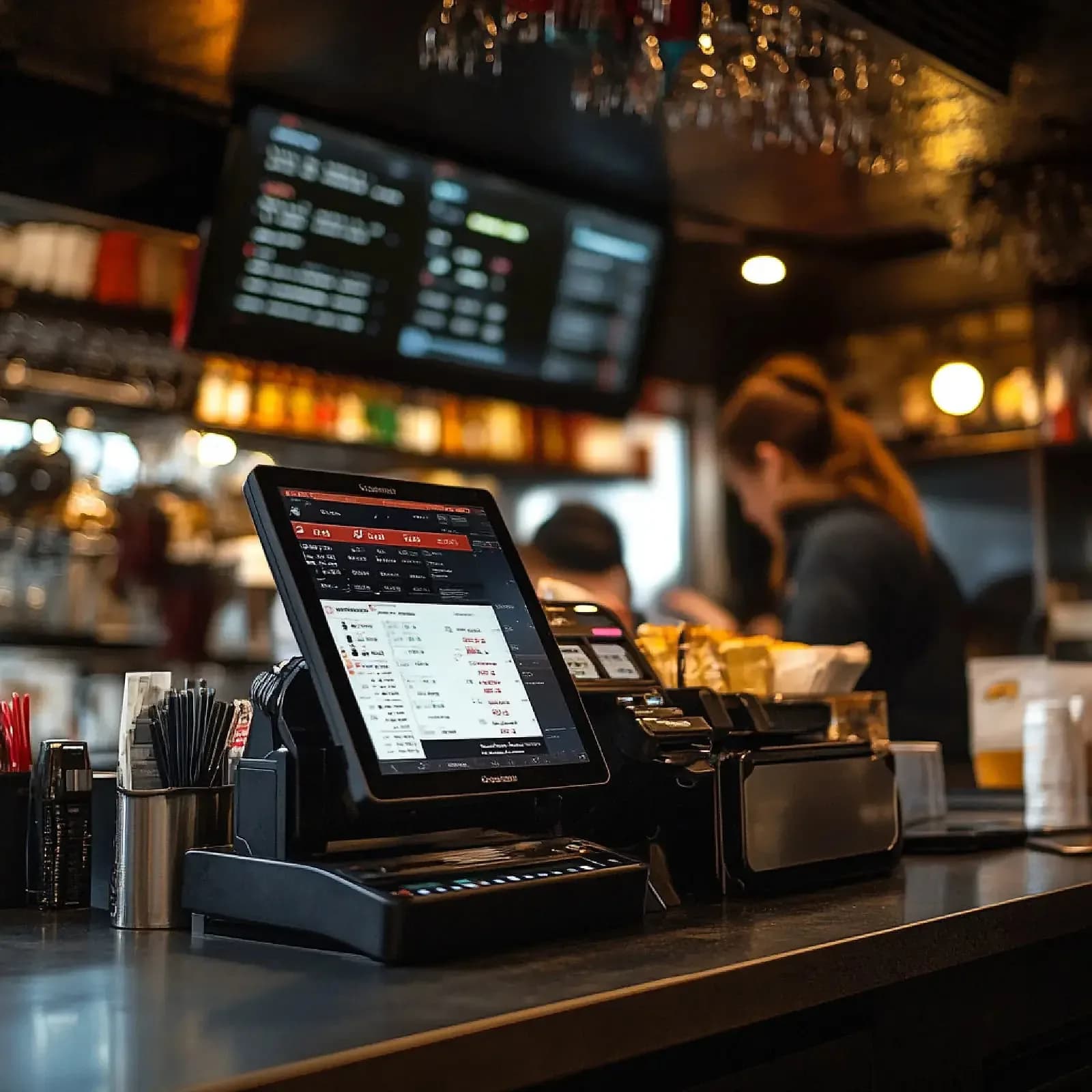
Ten minutes is a claim about the software, not about your business
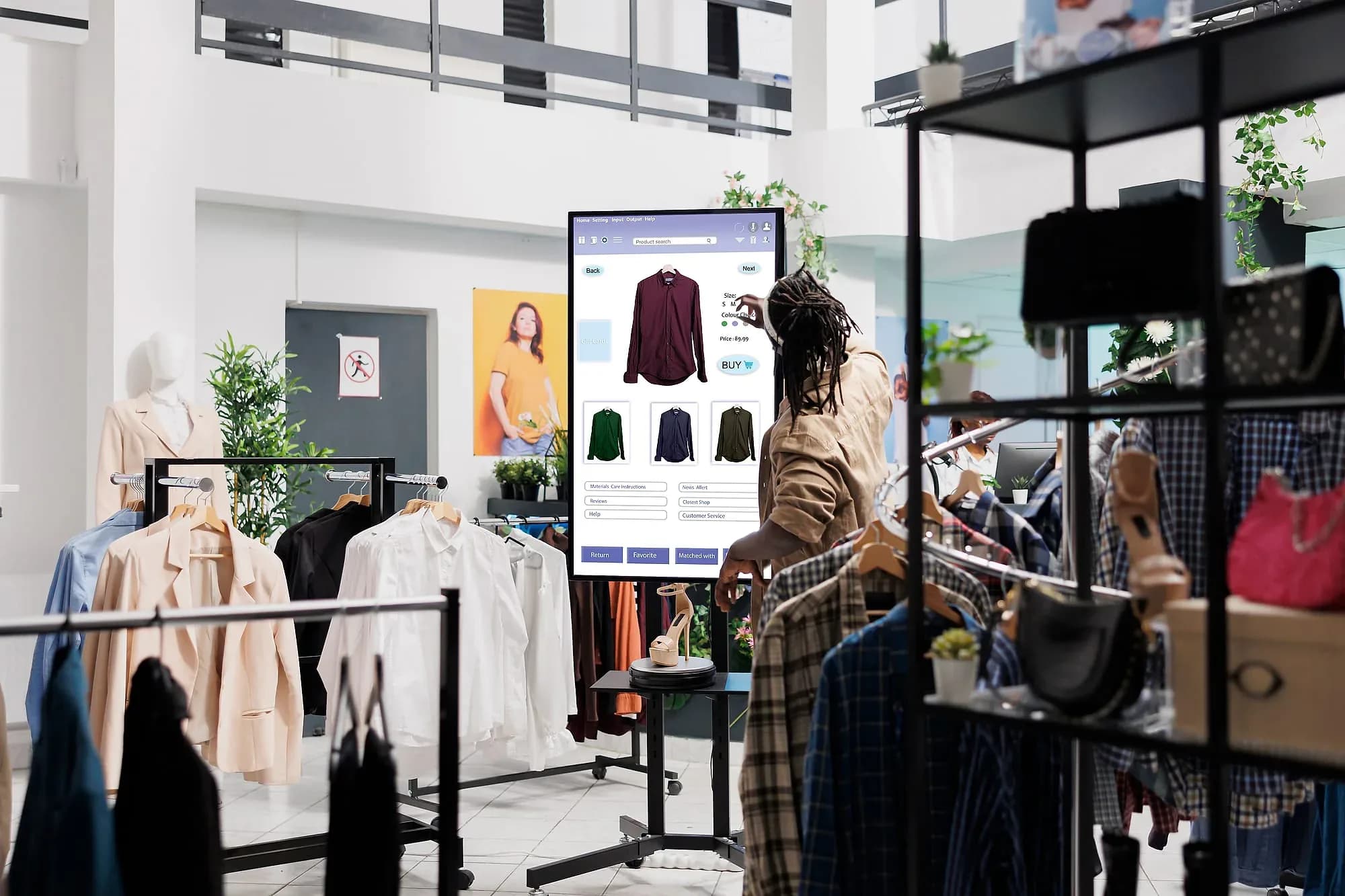
Point of sale is the one system a business cannot switch off for an afternoon. Everything else can wait a day; the till cannot, which is why POS migrations get postponed for years and why the incumbent vendors can charge what they do. The cost that actually stops people is rarely the licence — it is the installer, the consultant, the training days, and the hours the doors stay shut while somebody configures a terminal.
Pacific POS is built so that cost is not there to pay. You import your menu or product list from a spreadsheet or your old system's export, pair a Verifone or Worldpay terminal — or start with manual entry and add hardware later — and ring the first sale. That is the whole sequence, it takes about ten minutes, and nobody has to visit your site to do it. The figure describes how the software is designed, not a promise that your operation is simple.
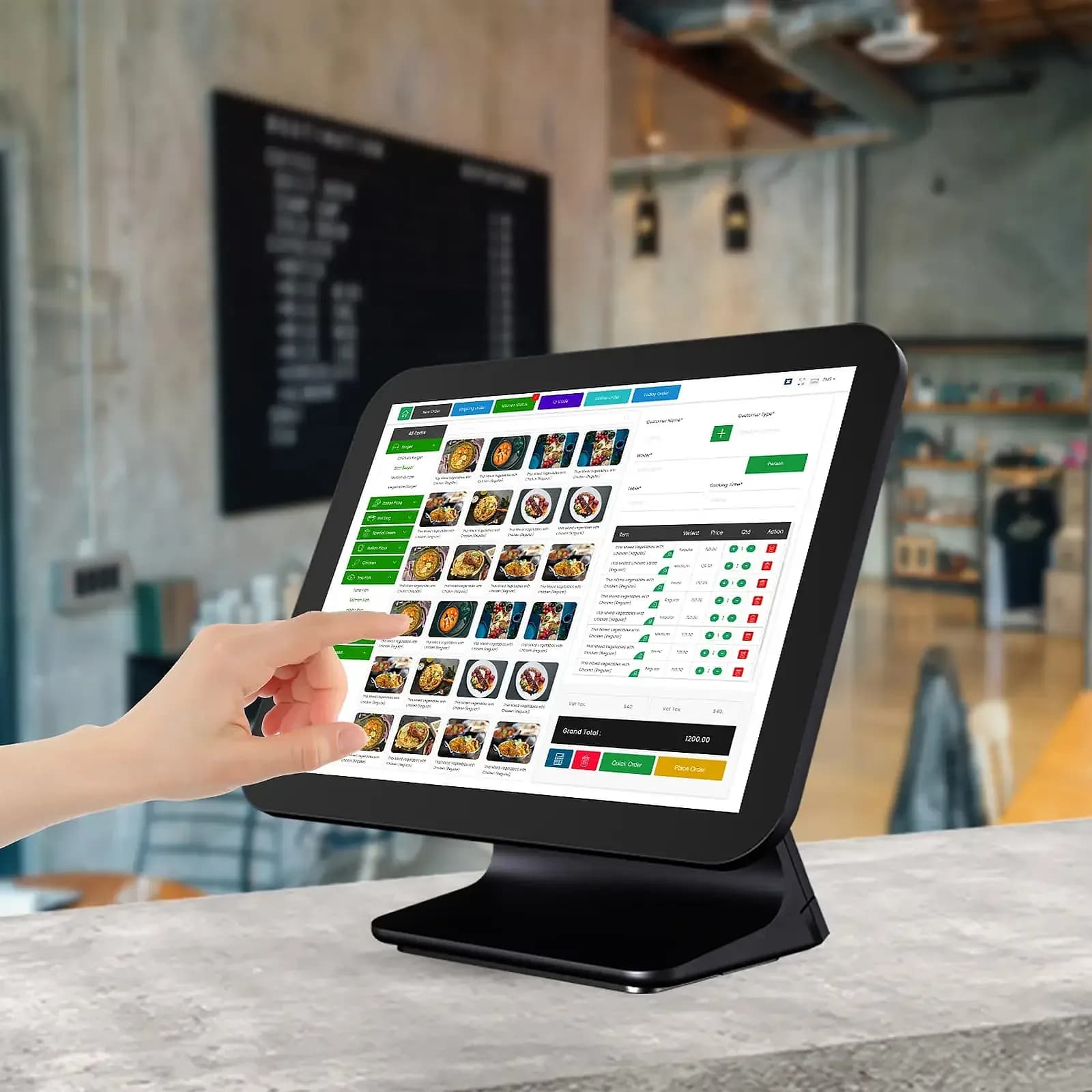
Behind the counter it is a full operation rather than a cash register with a screen. Menu-aware AI capture catches an incomplete or contradictory order at the moment of entry, when a correction is still free. Kitchen tickets route to the station that cooks them with timing and allergy flags attached. Stock moves with every sale, with low-stock alerts and one-tap reorders. Payments run over PCI-compliant rails, split bills included, and customer history and loyalty sit inside checkout instead of beside it.
It is one system across restaurants and retail rather than two products sharing a name, which matters if you run both — a café with a shelf of retail stock closes as one business, not two exports. And it is what the rest of this catalog connects to: Restaurant Solution, Fuel Automation, Digital Sign Solution, Small Business Solution and Data Analytics all read from it, so the counter is where your numbers start rather than one more system to reconcile at month end.

The day-to-day, before and after Pacific POS
Three frictions this replaces — described in the terms you'd recognise from your own week.
Today
Changing POS means installers, consultants, and a day the doors stay shut
With Pacific POS
Import the catalog, pair a terminal, ring the first sale — onboarding is measured in minutes, and nobody has to come to your site to run it.
Today
Orders get mis-keyed at the counter and the kitchen finds out last
With Pacific POS
Menu-aware capture flags the problem at entry, and the ticket routes to the station that cooks it with its timing and allergy flags attached.
Today
Stock is a guess between counts, and margin a guess until month end
With Pacific POS
Inventory moves with every sale, low stock raises an alert, and sales, margins, and top items are live on the dashboard rather than reconstructed later.
Where it earns its keep
Catalog in, terminal paired, first sale rung — and from that minute sales, stock, and staff performance stream to a dashboard you can open from anywhere.
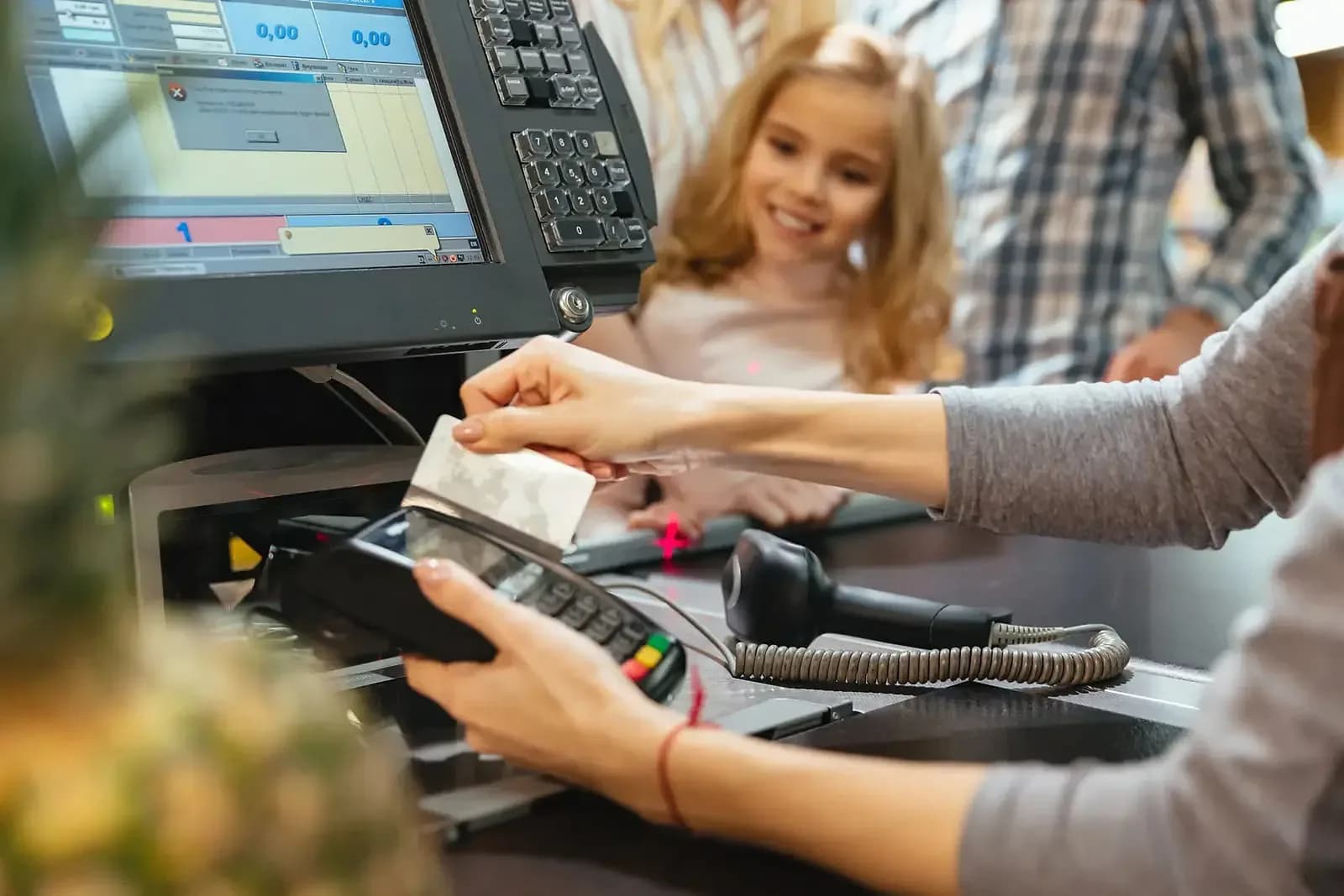

Inside Pacific POS
AI ordering
Menu-aware capture that prevents errors and suggests the right upsell at the right moment.
Kitchen display
Orders route to the right station with timing and allergy flags — no paper tickets.
Live inventory
Stock updates with every sale; low-stock alerts and one-tap reorders keep shelves full.
Payments
Cards, contactless, cash, and split bills through PCI-compliant Worldpay and Verifone rails.
Customers & loyalty
Profiles, purchase history, and loyalty rewards built into checkout.
Real-time dashboard
Sales, margins, top items, and staffing pressure — live from anywhere.
Who's in it every day
The three seats Pacific POS is designed around.
Owner
Opens the dashboard from anywhere for live sales, margins, top items, and where staffing is under pressure right now.
Counter staff
Rings orders and takes cards, contactless, cash, or a split bill, and pulls up a customer's history without leaving checkout.
Kitchen lead
Works from the display — each ticket's station, timing, and allergy flags, with no paper ticket rail to keep in order.

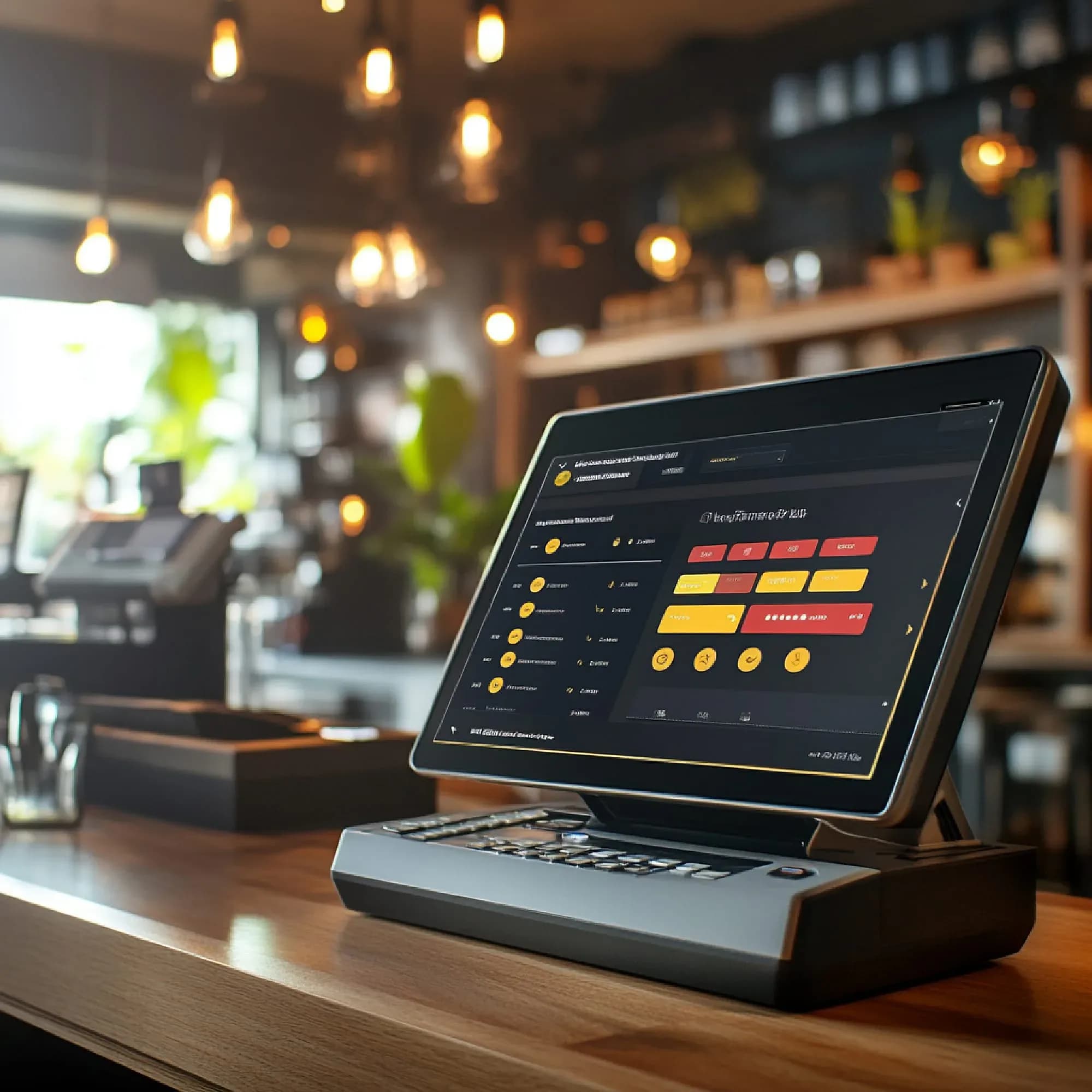
How we get you live
Import your catalog
Bring your menu or products in from a spreadsheet or your old POS export — one upload.
Connect payments
Pair a Verifone or Worldpay terminal, or start with manual entry and add hardware later.
Ring the first sale
Scan or tap, take any payment, print or email the receipt. You're live.
Watch it work
Sales, stock, and staff performance stream to your dashboard from minute one.
The questions that come next
What Pacific POS needs to run, and what happens to what you run today — answered before the call rather than on it.

Capabilities at a glance
- AI order capture that catches errors at entry
- Kitchen display with station routing and allergy flags
- Live inventory with low-stock alerts and one-tap reorders
- Cards, contactless, cash, and split bills
- PCI-compliant Worldpay and Verifone payment rails
- Customer profiles, purchase history, and loyalty at checkout
- Real-time sales, margin, and staffing dashboard
- Catalog import from a spreadsheet or an old POS export
Works with your stack
Pacific POS connects to the systems and hardware you already run — tell us what you use and we’ll confirm the fit before you commit.
- Verifone Terminals
- Worldpay Payments
- Barcode Scanners
- Receipt Printers
- Kitchen Display Screens
- Catalog & Menu Import
- Merilsoft Restaurant Solution
- Merilsoft Digital Sign Solution
“Merilsoft's restaurant ordering system completely transformed how we manage orders and enhance customer experience. The AI-driven interface is intuitive, fast, and has dramatically reduced errors.”

Often deployed alongside

Industries this serves
Pacific POS, answered
The questions we get asked before a demo.

Not seeing your question?
Tell us how you run today and we'll answer specifically.
Put AI behind your counter
Onboard Pacific POS in 10 minutes — or book a demo and we'll walk you through it.
Or call us: 1-225-573-9244