
The hardware is yours to choose
Pacific POS runs in the browser, so there is no proprietary register to buy. Bring the equipment already on your counter, add a terminal when you're ready, or start with neither.
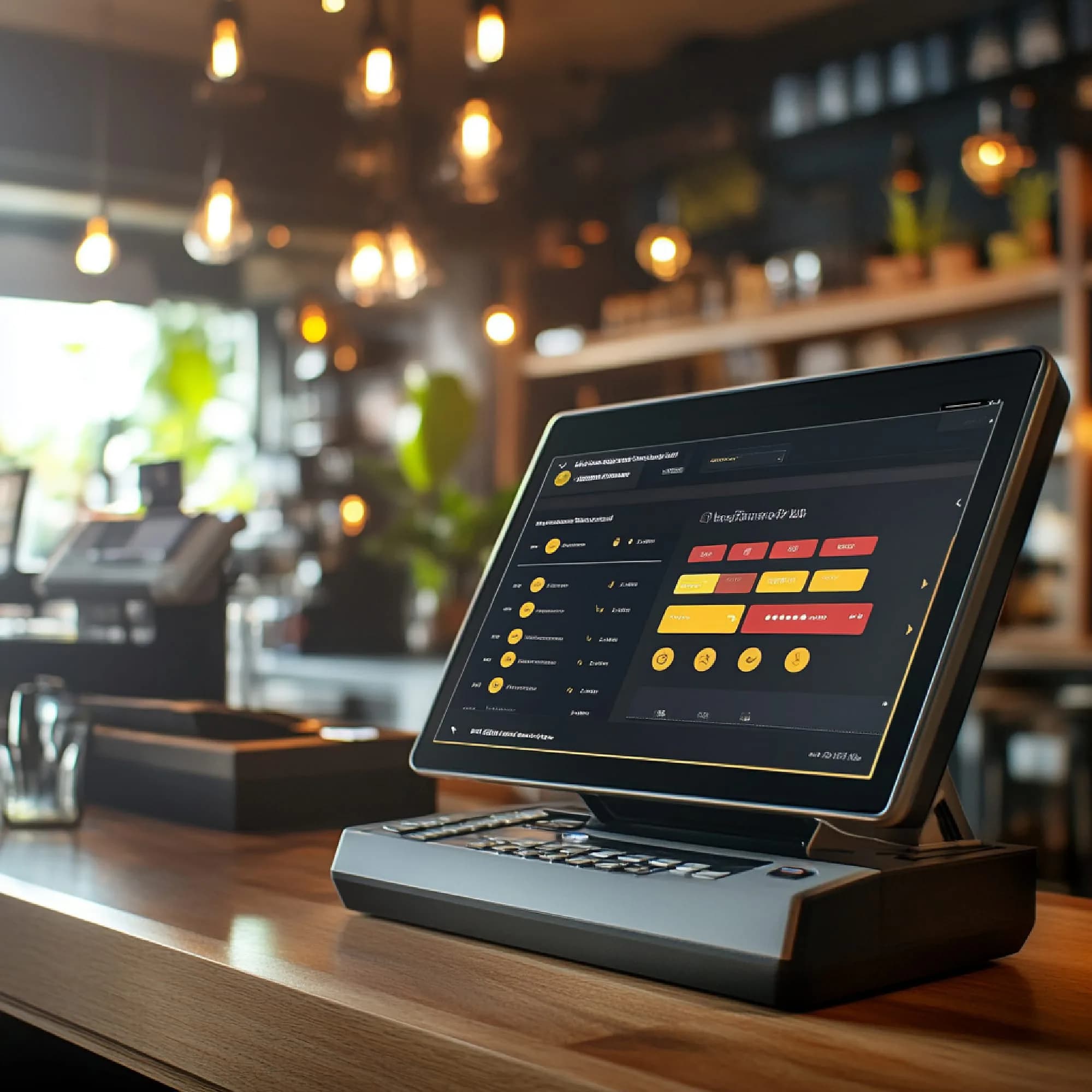
We configure hardware. We do not sell it.
Most point-of-sale vendors open a hardware page with a photograph of a branded terminal and a price beside it. We do not have one, and rather than mock up a product that does not exist, this page answers the question underneath: what do you actually need on the counter to run Pacific POS, and does the equipment already sitting there qualify?
Pacific POS runs in a browser. That single decision is what makes the rest of this page short — there is no proprietary till to buy, no locked-down terminal that only speaks to our software, and no obligation to replace a counter that works. A standard Android or Windows touch device with a modern browser and a reliable connection is the whole requirement.
Payment hardware is the one part that is not free choice, because card data has to reach a processor that carries the PCI obligation for it. In practice that means a Verifone or Worldpay terminal, paired during onboarding. Those come from your payment processor rather than from us, which means no markup and no lock-in to one vendor's box — and it also means we cannot quote you a price for one, because we do not set it.
Everything else — receipt printer, barcode scanner, cash drawer, kitchen display — is standard equipment you can buy anywhere, and in most cases the units already on your counter will work. Send us the list before you commit to anything and we will tell you what carries over and what does not, including when the honest answer is that a piece of it needs replacing.
Three things worth knowing first
You can start with nothing
Manual card entry works from day one. Pair a terminal whenever the hardware arrives — onboarding does not wait for it.
Your existing gear probably works
Because the software is cloud-based and browser-run, most of what's already on your counter carries over. Send us a list and we'll confirm before you buy anything.
We don't sell the hardware
We configure it. You buy terminals from your payment processor and peripherals wherever you like — which means no markup from us and no lock-in to one vendor's box.
The counter, piece by piece
None of it is proprietary. Everything below is standard equipment you can source anywhere.
Card terminal
A Verifone or Worldpay terminal pairs during onboarding. Already have one from your processor? Bring it — we'll check compatibility before you commit.
Register or tablet
Pacific POS runs in the browser, so any reasonably modern touchscreen, tablet or laptop works. There is no proprietary register to buy.
Receipt printer
Standard thermal receipt printers. Most counters already have one and it usually carries over.
Barcode scanner
For retail, any USB or Bluetooth scanner that behaves as a keyboard. Nothing special required.
Kitchen display
A screen in the kitchen running the KDS view. A spare tablet is enough to start; a wall-mounted display is better at volume.
Handheld
Optional. Table-side ordering runs on a phone or small tablet — no dedicated device needed.
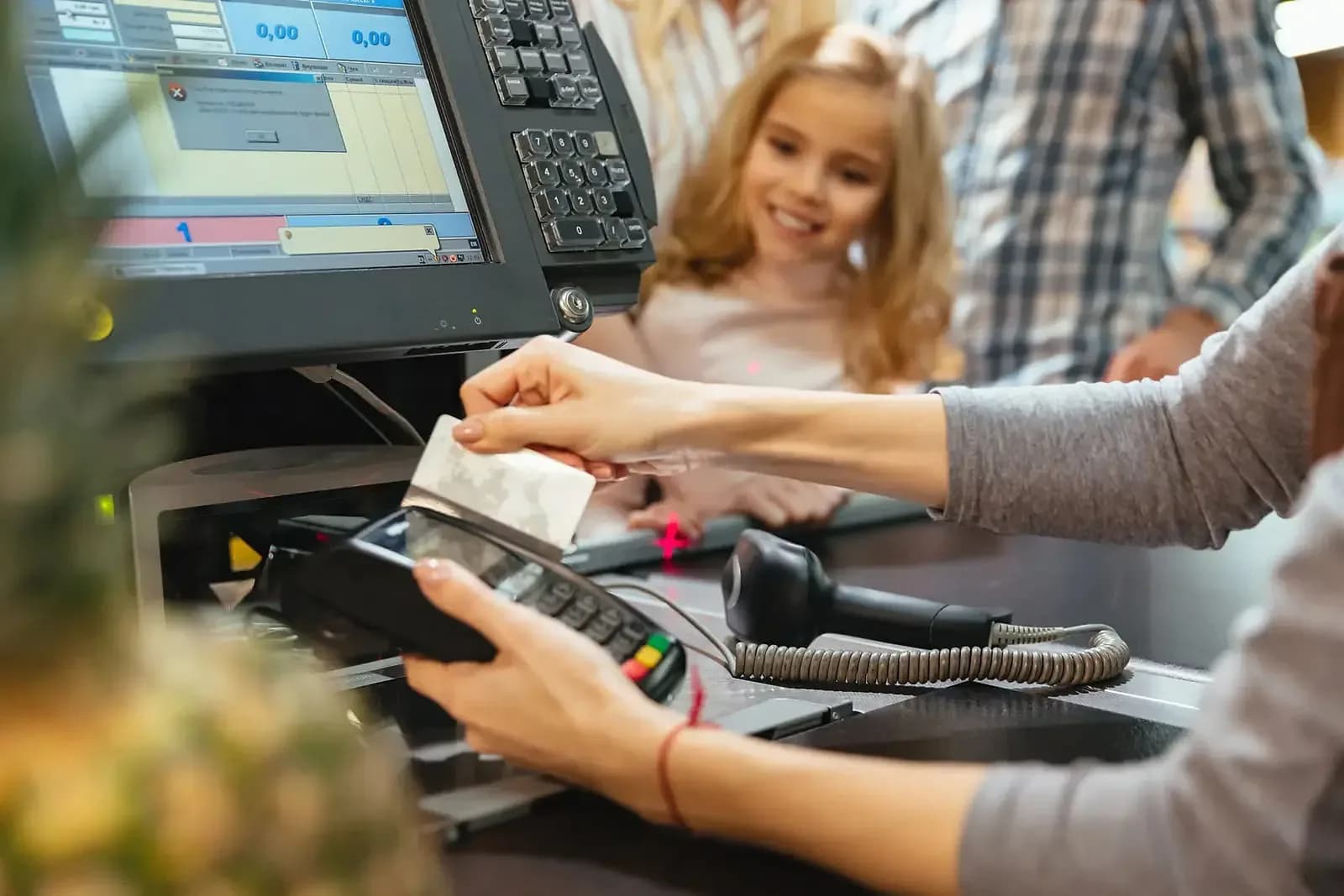
What we check before you buy anything
Send us these 7 answers and we will tell you what carries over and what does not — including when the honest answer is that something needs replacing.
Your card terminal make and model
Verifone and Worldpay units pair directly. Anything else, tell us and we will check rather than guess.
Receipt printer connection type
Network and USB printers are the common cases. A printer wired to an old till system may need a different connection rather than a different printer.
Barcode scanner interface
Most keyboard-wedge and USB scanners work with no configuration at all.
Cash drawer trigger
Usually driven by the receipt printer. If yours is wired directly to the old terminal, that connection moves.
Touch device and browser version
A current Android or Windows touch device running a modern browser. Older tablets are the most common surprise.
Connectivity at the counter
Payment authorisation and live sync both need a connection. If it drops during service, say so before you buy anything — it changes the recommendation.
Kitchen display, if you run one
Any spare screen running the KDS view is enough to start. There is no proprietary kitchen unit.
The counter you already have is usually the counter you keep
The cheapest hardware decision is almost always the one you do not make. Because Pacific POS runs in a browser and speaks to standard peripherals, the equipment on your counter today is the starting assumption rather than the thing being replaced — and a migration that reuses your printers, scanners and drawers is one that can happen between services rather than during a closure.
Where something does need replacing we will say so plainly and tell you what to buy in category terms, not brand terms. You buy it from whoever you already buy equipment from, at whatever price you can get it for, and it arrives working with the system. That is a worse business for us than selling you a bundle and a better one for you, which is the trade this page is making deliberately.
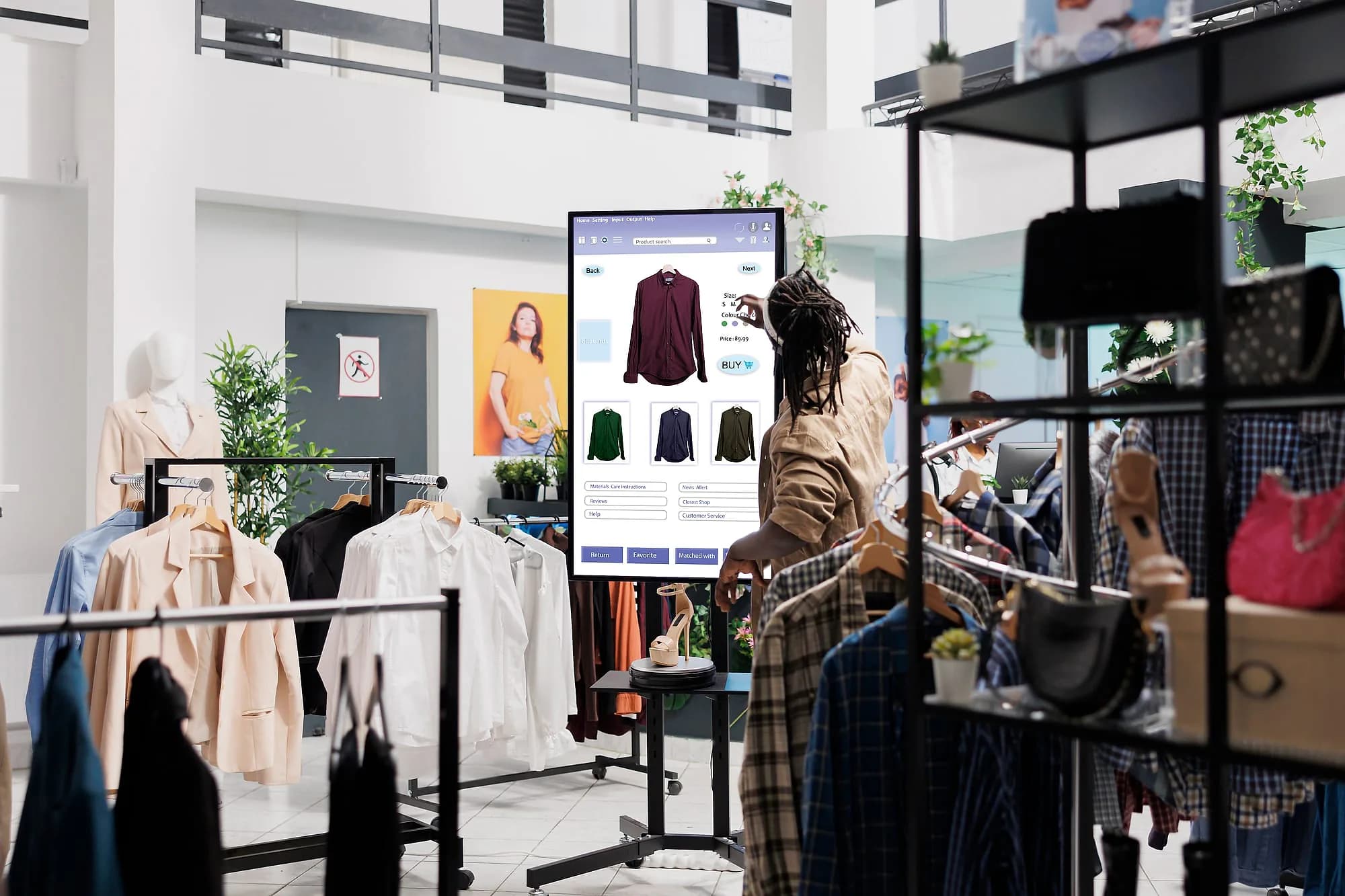
What hardware costs
Software is quoted separately — ask us on the demo call
What people read next

Questions about the counter
The ones that come up on almost every compatibility call.

Not seeing your question?
Tell us how you run today and we'll answer specifically.
Send us what's on your counter
Tell us what you already run and we'll confirm what carries over — before you spend anything.
Or call us: 1-225-573-9244